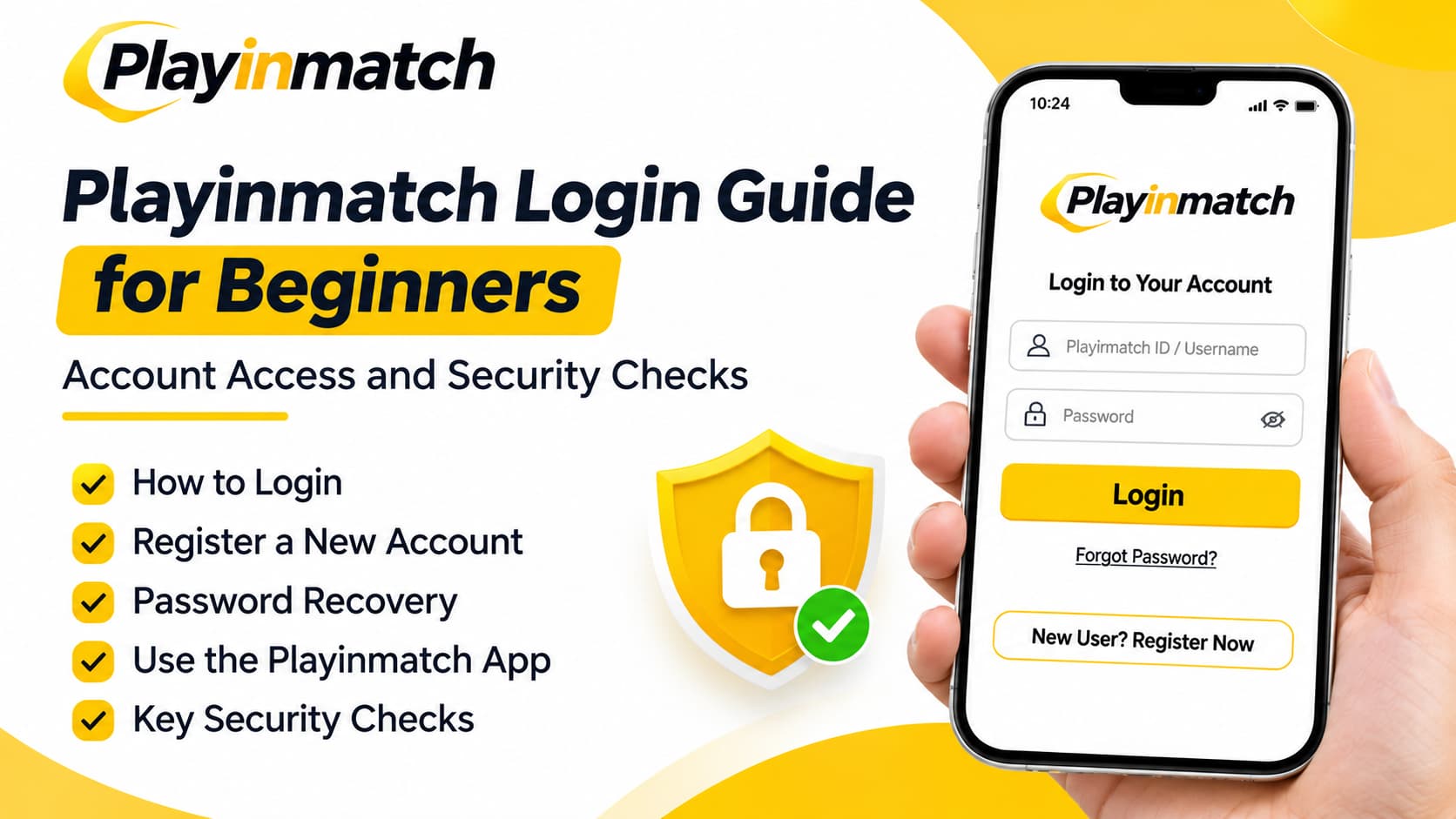
New to Playinmatch? Understanding how account login works is one of the most important things to learn before using any online platform. From entering the correct login details to recognising suspicious websites, a few simple precautions can help protect your account and personal information.
Many beginners search for Playinmatch Login because they want to understand how to access an existing account, what a Playinmatch ID means, or why their password is not being accepted.
Others may be changing their mobile phone, installing the Playinmatch App, or trying to recover an account they have not used for some time.
This article explains account access, common login problems, mobile compatibility, password recovery and essential security checks in straightforward language.
What Is Playinmatch Login?
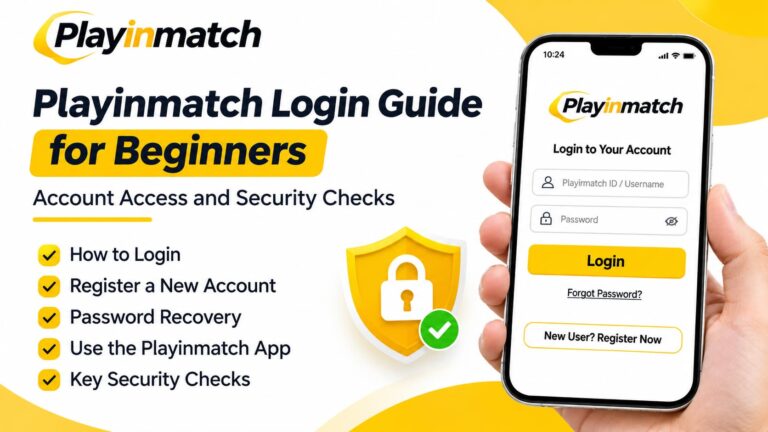
Playinmatch Login refers to the process used by existing account holders to access their Playinmatch account.
A typical login system requires an account identifier, such as a username or registered email address, together with a password. Some services may also require a one-time password (OTP) or another verification step. The exact login fields and available authentication methods can vary depending on the website or application version.
When an account holder signs in, the platform may provide access to account details, profile settings, transaction records and other available features.
However, an accessible login page does not, by itself, establish that a website is genuine, secure or legally authorised.
Basic Playinmatch Login Information
| Feature | What beginners should know |
|---|---|
| Playinmatch Login | Account authentication process |
| Playinmatch ID | Identifier associated with an account |
| Username | May be used to identify the account |
| Password | Confidential authentication credential |
| OTP | Temporary verification code, when supported |
| Password Reset | Recovery process for forgotten credentials |
| Playinmatch App | Mobile application, where officially available |
| Playinmatch Customer Support | Account assistance and issue reporting |
Before entering credentials, users should verify that they are accessing the intended website.
ReadMore<<<<How to Play Playinmatch on Mobile: Step-by-Step Guide (2026)
How to Access an Existing Playinmatch Account Safely
If you already have a Playinmatch account, the most important first step is to confirm that you are using a legitimate account-access page.
Step 1: Check the Website Address
Before opening the Playinmatch Login page, look carefully at the URL in your browser.
Fraudulent websites sometimes imitate established brands by using slightly different spellings, additional numbers or misleading domain extensions.
For example, a website may look familiar while directing your information to an unrelated operator.
Do not assume that a search result or a link shared in a messaging group is authentic.
Step 2: Identify the Login Section
Locate the account-access section on the verified website.
The page may request a registered username, email address or another account identifier.
Avoid entering personal information into unfamiliar pop-up windows or pages that unexpectedly redirect to another domain.
Step 3: Protect Your Password
Passwords should be unique and difficult for others to guess.
Avoid using common combinations such as your name, date of birth, mobile number or simple sequences.
If you use the same password for several websites, a security problem on one service could expose your other accounts.
Step 4: Complete Additional Verification if Required
Some login systems request an OTP or another security check.
An OTP is usually sent to a registered contact method and is intended for temporary authentication.
Never share an OTP with anyone claiming to offer customer support.
Step 5: Review Your Account Session
After successfully accessing an account, check whether the account information appears correct.
Pay attention to unfamiliar changes, unexpected transactions or security notifications.
If anything looks suspicious, stop using the session and contact support through a verified channel.
What Is a Playinmatch ID?
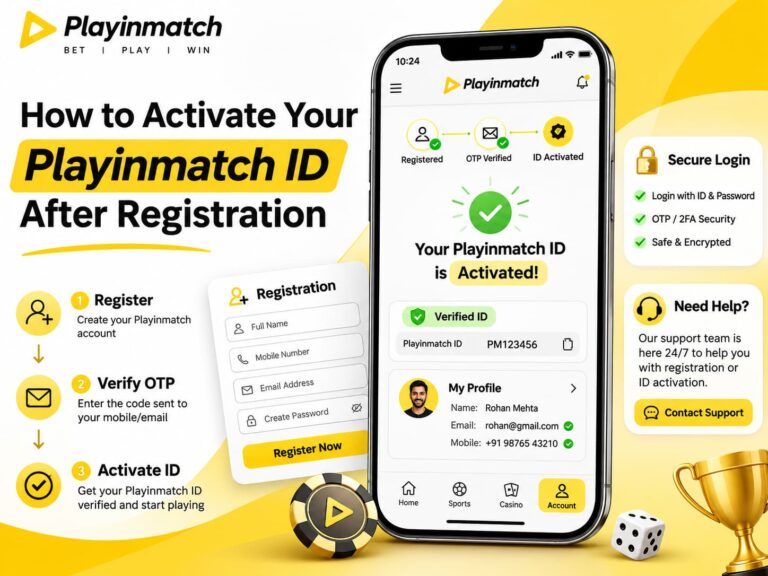
A Playinmatch ID India generally refers to the identifier associated with a user’s account.
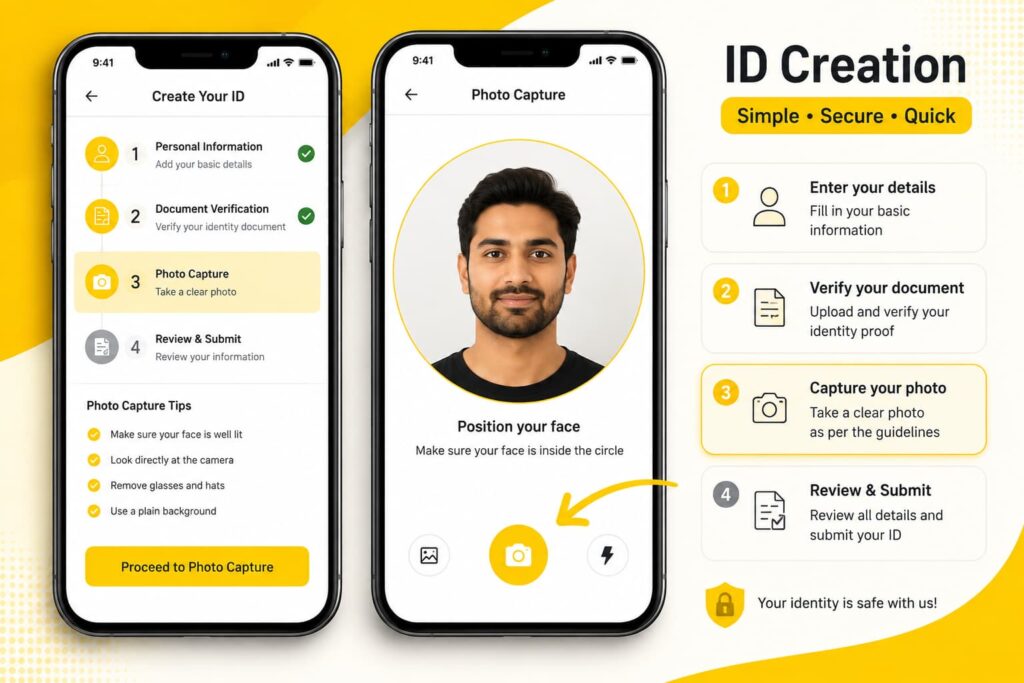
Beginners sometimes confuse an account ID with a password or registration code.
These items serve different purposes.
An account identifier helps distinguish one user account from another, while a password or authentication code helps establish whether the person attempting access is authorised.
Playinmatch ID vs Login Password
| Account information | Purpose |
|---|---|
| Playinmatch ID | Identifies the account |
| Username | May be used during authentication |
| Password | Protects access to the account |
| Registered mobile number | May support verification or recovery |
| Registered email | May support security alerts and recovery |
| OTP | Temporary authentication code |
A Playinmatch ID should not automatically be treated as proof of account ownership.
Account recovery may require additional verification to protect the registered user.
ReadMore<<<How to Contact the Playinmatch Office in India for Account Assistance
Playinmatch Register vs Playinmatch Login: What Is the Difference?
Two common searches are Playinmatch Register and Playinmatch Login.
Although they sound similar, they refer to different processes.
Playinmatch Register concerns the creation of a new account, including any registration and eligibility requirements.
Playinmatch Login concerns access to an account that already exists.
For beginners, understanding this distinction helps avoid confusion when visiting account-related pages.
| Playinmatch Register | Playinmatch Login |
|---|---|
| Creates a new account | Accesses an existing account |
| May require personal information | Uses existing credentials |
| May involve identity checks | May involve authentication checks |
| Subject to eligibility requirements | Subject to account-access restrictions |
| Registration may require approval | Login depends on valid account access |
Before registering with any gaming-related service, users should verify the operator’s identity, applicable age restrictions and legal status.
Playinmatch Login on Android, iPhone and Desktop
Account-access problems can sometimes occur because of the device or browser being used. A page that loads correctly on a desktop computer may appear differently on a mobile phone.
Similarly, a browser update or outdated application can affect compatibility.
Android Phones
Android users should pay attention to browser updates, storage availability and the authenticity of any application they install.
If a Playinmatch APK is advertised, avoid downloading it from unknown third-party websites.
APK files can contain malicious software if they have been altered or distributed by an untrusted source.
iPhone and iPad
iPhone users should use a compatible, updated browser when accessing permitted web services.
If an application is advertised for iOS, verify its publisher and availability through an appropriate trusted distribution channel.
Avoid websites that request unusual configuration profiles or device-security changes.
Desktop and Laptop
On a desktop computer, security begins with the browser.
Keep Chrome, Safari, Firefox or Microsoft Edge updated.
Avoid allowing unfamiliar browser extensions to access login pages or sensitive account information.
Device Comparison
| Device | Common issues to check |
|---|---|
| Android | Browser updates, APK authenticity, network connectivity |
| iPhone | Safari compatibility, browser settings, device updates |
| Windows PC | Browser extensions, stored passwords, security software |
| Mac | Browser compatibility, account sessions, password management |
Common Playinmatch Login Problems and Possible Solutions
Login errors are not always caused by an incorrect password. Sometimes the problem is related to the browser, internet connection, an expired session or an account restriction.
Here are some common situations.
1. Playinmatch Login Password Not Working
A password may be rejected because it was entered incorrectly, changed previously or saved incorrectly by a browser. Check for accidental spaces, keyboard settings and automatic capitalisation.
Avoid repeatedly guessing passwords, as some systems temporarily restrict accounts after unsuccessful attempts.
2. Playinmatch Login Page Not Loading
A page may fail to load because of a network interruption, browser issue, server problem or an inaccessible website. Check whether other websites load normally.
You can also review your browser settings or test your internet connection.
Do not use an unfamiliar alternative domain simply because someone claims it is a replacement login address.
3. Playinmatch OTP Not Received
If the website uses OTP verification, delivery problems may be caused by network conditions, incorrect registered contact details or temporary service issues.
Do not request codes repeatedly without checking the instructions provided by the service.
Never forward verification codes to another person.
4. Account Session Expired
A login session may expire after a period of inactivity or following a security-related change.
Session timeouts are commonly used to reduce the risk of unauthorised access.
If this occurs, close unfamiliar pages and use the verified account-access process.
5. Playinmatch Account Temporarily Locked
Some platforms restrict login attempts after unusual activity or repeated authentication failures.
An account restriction may also be related to verification or security concerns. Avoid attempting to bypass a restriction or creating duplicate accounts.
Instead, seek clarification through verified account-support channels.
Playinmatch Login Troubleshooting Table
| Login problem | Possible reason | Recommended action |
|---|---|---|
| Invalid password | Incorrect or outdated credentials | Check details and use verified recovery options |
| Login page not loading | Browser, server or network issue | Check connectivity and website authenticity |
| OTP not received | Contact or delivery issue | Verify the registered contact method |
| Session expired | Inactivity or security timeout | Reauthenticate through a verified page |
| Account locked | Security restriction | Contact verified support |
| App not opening | Compatibility or outdated software | Review device and application security |
| Unknown login alert | Possible unauthorised access | Secure your credentials and report it |
ReadMore<<< How to Contact the Playinmatch Office in India for Account Assistance
Playinmatch Account Security: 7 Important Checks
Account security should be a priority for every user, particularly when a website stores personal information or payment-related records.
1. Use a Unique Password
Create a password that you do not reuse on other websites.
A password manager can help generate and store strong credentials.
2. Never Share OTPs
One-time passwords are intended to confirm access or a specific action.
A support representative should not require you to disclose a complete OTP, password or banking PIN.
3. Verify the Domain Name
Phishing websites often imitate familiar platforms.
Carefully inspect the full website address before entering sensitive information.
4. Avoid Unknown APK Files
An application with a familiar logo is not necessarily authentic.
Check its origin and publisher rather than trusting screenshots or promotional messages.
5. Avoid Saving Passwords on Shared Devices
Public computers and shared phones may expose saved credentials to other users.
Where possible, avoid accessing sensitive accounts on these devices.
6. Review Account Activity
Unexpected notifications, changes to registered information or unfamiliar transactions may indicate a security issue.
Report suspicious activity promptly.
7. Use Additional Authentication When Available
Multi-factor authentication (MFA) adds another verification step beyond a password.
If a platform provides this feature, review its setup and recovery options.
The availability of MFA or other authentication methods must be confirmed on the actual service.
Example: A Beginner Receives an Unexpected Playinmatch Login Alert
Consider this fictional situation.
Rahul has a Playinmatch ID and receives a message saying that someone has attempted to access his account.
The message contains a link asking him to verify his login details immediately.
At first, Rahul feels concerned because the message uses the Playinmatch name.
However, instead of opening the link, he checks the sender and notices that the website address is unfamiliar.
He decides not to enter his password.
He then reviews his account security through a previously verified channel and checks whether his registered email has also been affected.
What Can Beginners Learn From This Example?
The most important lesson is that a message using a familiar company name is not necessarily genuine.
Fraudulent messages may create urgency by claiming that an account will be suspended unless the user acts immediately.
Users should verify the source independently and avoid sharing credentials through unexpected links.
This is an illustrative security example, not a verified Playinmatch customer case study.
How to Recognise a Fake Playinmatch Login Page
Fake login pages are a common type of phishing threat.
They may copy the colours, logo and layout of an authentic website. Some even display convincing customer-support information.
However, there are warning signs.
- The website address contains unexpected characters.
- The page requests additional payment to restore login access.
- A stranger asks for your complete password or OTP.
- The website redirects repeatedly to unrelated domains.
- The page requests installation of an unknown application.
- The support account communicates only through an unverified personal profile.
Remember that HTTPS encryption does not prove that a website is trustworthy. A fraudulent website can also use HTTPS.
Playinmatch App and APK: Security Checks Before Installing
People researching Playinmatch App Download or Playinmatch APK should carefully distinguish between a legitimate application and an imitation.
A fake app can potentially collect personal information, display fraudulent login forms or request unnecessary device permissions.
Before installing any app, check its source, publisher, requested permissions and compatibility with your device. Avoid software that asks you to disable important security protections without a credible explanation.
If an application has already been installed from an untrusted source, review its permissions and consider a device-security scan.
When Should You Contact Playinmatch Customer Support?
Playinmatch Customer Support may be relevant when an existing account holder experiences an access problem that cannot be resolved through normal recovery options.
Examples include:
- Suspected account compromise
- Unauthorised changes to account details
- Unfamiliar account activity
- Unresolved verification problems
- Lost access to a registered contact method
- An unexplained account restriction
Before contacting support, verify the communication channel using independently confirmed information.
What Information Is Safe to Share?
Support representatives may reasonably need a description of the issue and limited information to locate the relevant account.
However, avoid sending full passwords, OTPs, card security codes or banking PINs.
If identity documents are required, submit them only through a verified and appropriately secured process.
Do not publish personal documents in public chats or social-media comments.
Playinmatch Login Safety Checklist for Beginners
Before accessing any account, review this checklist.
| Security check | Why it matters |
|---|---|
| Website address verified | Reduces phishing risk |
| Strong password used | Protects account access |
| OTP kept private | Prevents authentication misuse |
| Device software updated | Reduces exposure to known vulnerabilities |
| Untrusted links avoided | Helps prevent credential theft |
| Account notifications reviewed | Helps identify suspicious activity |
| Support contact verified | Reduces impersonation risk |
| Applicable laws checked | Helps users understand eligibility restrictions |
These precautions are useful for Playinmatch-related accounts and other online services that require personal credentials.
FAQs About Playinmatch Login
1. How can I protect my Playinmatch account on a new phone?
Update the device, avoid unknown applications, use strong credentials and carefully review security notifications.
2. Can I use the same Playinmatch ID on two devices?
This depends on the platform’s session-management and account-security policies. Users should consult the verified terms rather than assume simultaneous access is supported.
3. Why is my Playinmatch Login not working?
Possible reasons include incorrect credentials, browser problems, expired sessions, temporary service interruptions or account restrictions.
4. Can I access Playinmatch from an Android phone?
Access depends on the availability of the website, supported software and applicable legal requirements. Users should verify any advertised app or APK.
5. Is Playinmatch Login different from Playinmatch Register?
Yes. Login concerns an existing account, while registration concerns creating a new one.
6. What should I do if I forget my Playinmatch password?
Use only a verified account-recovery process. Avoid password-reset links received from unknown senders.
7. Is it safe to share my Playinmatch OTP with customer support?
No. Never disclose complete OTPs, passwords or banking PINs to another person.
8. Why does Playinmatch keep logging me out?
Possible explanations include session expiration, browser settings, software issues or account-security controls.
9. What should I do if I find a fake Playinmatch website?
Do not enter personal details. If you already entered credentials, secure the affected accounts and report the suspicious website through an appropriate channel.
10. Does Playinmatch Login require KYC verification?
The platform’s published KYC information describes circumstances in which identity verification may be requested. The actual requirements depend on the account and service involved.
Safer Playinmatch Account Access Starts With Basic Checks
For beginners, understanding Playinmatch Login involves more than knowing where to enter a username and password. It also means recognising suspicious websites, protecting a Playinmatch ID, understanding account recovery and keeping personal information secure.
Whether someone is researching Playinmatch Register now, checking a login problem, using a mobile browser or learning about Playinmatch App compatibility, security should remain a priority. Taking these precautions can reduce common account-security risks and help users make more informed decisions about the online services they access.
The most useful habit is simple: verify the website, protect your credentials and never share authentication codes with another person.
18+ | Informational Content: This guide explains account access and cybersecurity. It does not establish that any real-money gaming service is licensed or legally available in India.