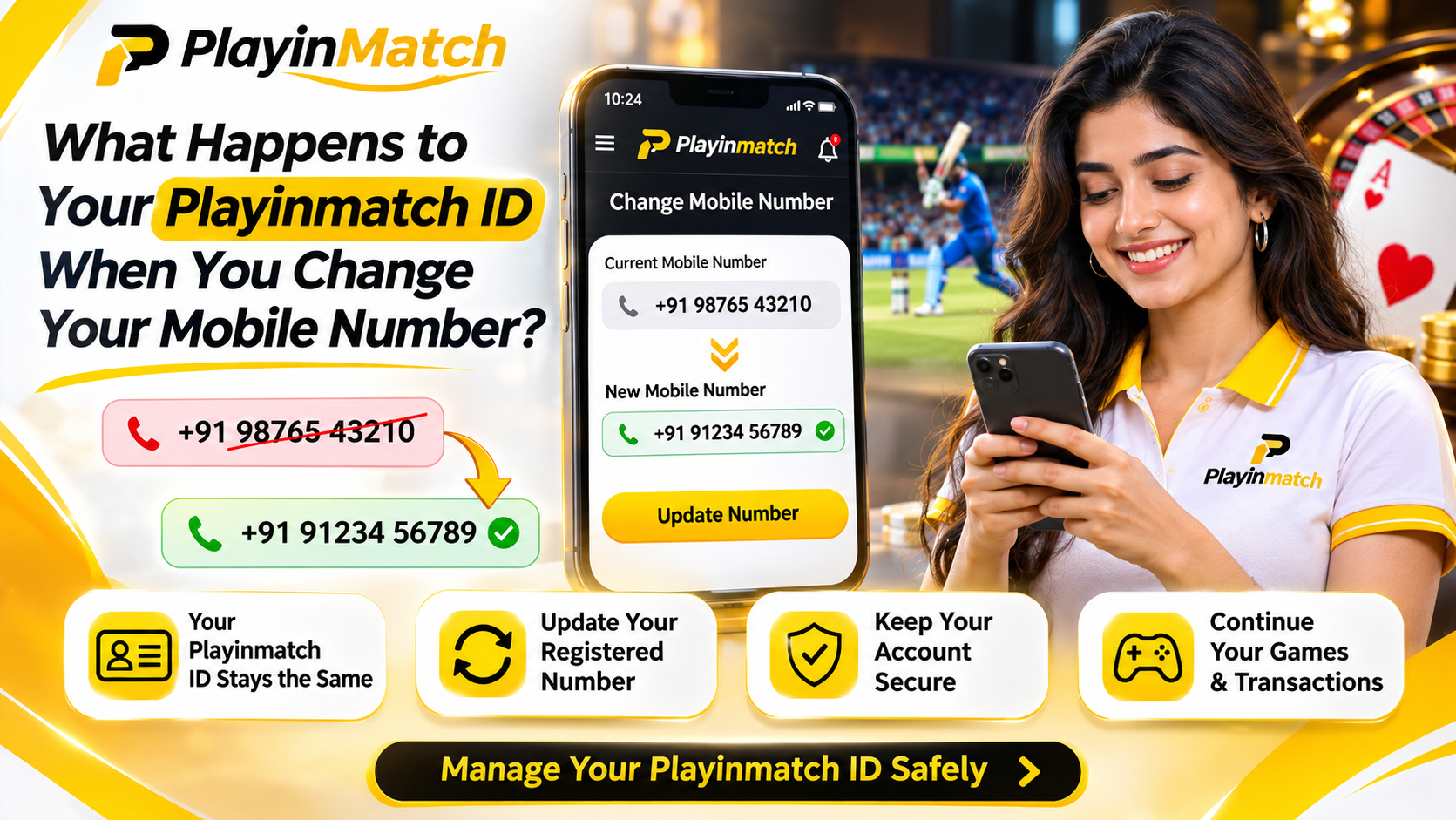
Changing your mobile number is a common part of everyday life. You might switch to a new SIM card, move to a different network provider, lose your old number or simply decide to use another number for personal accounts.
But what happens when that mobile number is connected to your Playinmatch ID?
Many Playinmatch players worry about losing access to their existing accounts, previous transactions, account balance or Playinmatch game records after changing their registered contact number.
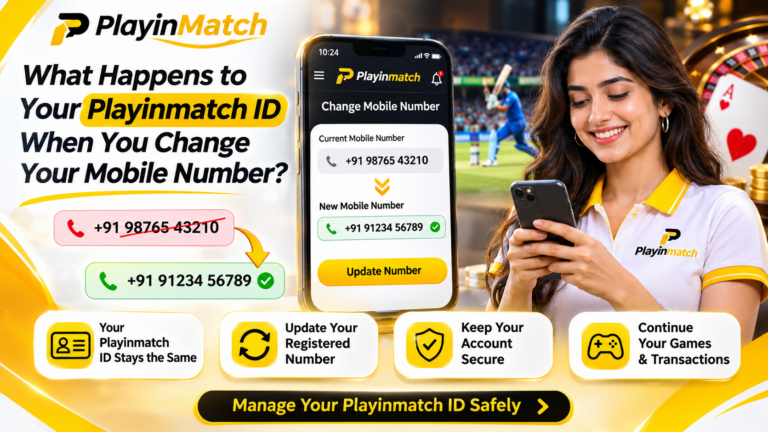
Your Playinmatch ID does not normally disappear simply because you change your mobile number. However, updating registered contact information can require additional identity verification, particularly when the old number is no longer available.
This guide explains how a mobile-number change can affect your Playinmatch login, account verification, existing records and recovery options. It also covers the precautions Indian users should take before updating their registered number.
ReadMore<<<Playinmatch Game Tricks 2026:Smart Tips Every Player Should Know
Does Your Playinmatch ID Change When You Update Your Mobile Number?
In most account-based systems, the account ID and registered mobile number serve different purposes.
Your Playinmatch ID India identifies your account, while your registered mobile number may be used for login verification, security notifications, password recovery and account-related communication.
Changing the mobile number should not normally require creating an entirely new account.
However, the new number must be correctly associated with your existing profile through an authorised account-update process.
Here is what you should generally expect:
| Account feature | What happens after a mobile-number change? |
|---|---|
| Playinmatch ID | Normally remains associated with your existing account |
| Username | Usually stays the same |
| Login password | Normally remains valid unless reset |
| Registered mobile number | Changes after an approved update |
| OTP verification | May need to be configured for the new number |
| Account balance | Should remain associated with the existing account |
| Playinmatch game history | Normally remains linked to existing account records |
| Transaction history | Usually remains available under the same account |
| Account verification | Additional identity checks may be required |
| Active account restrictions | Are not automatically removed by changing a number |
The exact outcome depends on the account’s status, the operator’s security requirements and whether the mobile-number update has been approved.
Why Does Playinmatch Need Your Registered Mobile Number?
A registered mobile number can be an important part of account identification and security.
When users complete the Playinmatch registration process, they may be asked to provide contact details to associate with their account.
These details can serve several purposes.
1. Playinmatch Login Verification
Some Playinmatch login systems use a one-time password, commonly called an OTP, to confirm account ownership.
If your existing account uses mobile verification, an OTP may continue going to your old number until your registered contact information is officially updated.
2. Password Recovery
A mobile number can help verify account ownership when a user forgets their password.
If you lose access to your registered number, standard password recovery may become more difficult.
3. Account Security Notifications
Contact information may be used to notify users about unusual login activity, password changes or account-related security events.
Keeping the number updated helps users receive relevant notifications where this feature is provided.
4. Customer Support and Identity Verification
When requesting help with an existing Playinmatch ID, support may use registered contact information as one part of its account-ownership checks.
This is especially relevant when someone requests a sensitive account change.
How to Change Your Registered Mobile Number on Playinmatch
The Playinmatch KYC policy recognises mobile-number changes as account updates that may require verification. However, a publicly confirmed, universal self-service sequence for completing the change is not clearly documented.
The following steps explain the appropriate account-management approach rather than assuming that every account has the same settings.
Step 1: Access Your Existing Playinmatch Account
Begin by accessing your existing account through a website address you have verified.
If you can still complete Playinmatch login using your current credentials, check the information displayed in your account profile.
Avoid signing in through unfamiliar links shared by unknown individuals.
Step 2: Check Your Registered Contact Information
Review the mobile number currently associated with your account.
If the platform provides an account settings or profile-management section, check whether registered contact details can be updated there.
Some changes may require contacting support instead of editing the number directly.
Step 3: Request the Mobile-Number Update
If an authorised mobile-number update option is available, follow its instructions.
Otherwise, contact verified Playinmatch customer support and explain that you want to replace the old mobile number linked to your existing ID.
Make it clear that this is a contact-information update, not a request to create a new account.
Step 4: Complete the Required Verification
The platform may require additional information to establish that you are the legitimate account holder.
Verification could involve confirming existing account details, completing an approved OTP check or submitting identity information through an authorised process.
Playinmatch’s published KYC policy states that changes to mobile numbers can trigger additional verification.
Do not submit identity documents through an unverified chat, email address or messaging account.
Step 5: Confirm the Update
Once the change is approved, check whether your account profile displays the updated mobile number.
If the platform uses SMS verification, confirm that future verification messages can reach the new number.
Do not assume the change is complete merely because a request has been submitted.
Step 6: Review Your Existing Account
After completing the update, review your Playinmatch ID, account profile and available transaction records.
If you notice an incorrect phone number, unfamiliar login activity or missing records, contact the appropriate support channel.
What Happens if You No Longer Have Access to Your Old Mobile Number?
This is one of the most serious situations for existing Playin match users.
Imagine that you registered your account using an Indian mobile number but later discontinued that SIM card. When you attempt to log in, the verification process still references your previous number.
You may know your Playinmatch ID and password but be unable to receive an OTP.
In this situation, your account may still exist even though normal login verification cannot be completed.
What You Should Do
- Check whether your original mobile number can be restored through your telecom provider.
- Use an alternative authorised recovery method if one is provided.
- Contact verified Playinmatch support when the usual recovery process cannot be completed.
- Explain that your old number is inactive or unavailable.
- Complete any legitimate account-ownership verification requested through a secure channel.
- Confirm the registered number has been updated before relying on it for future recovery.
Do not try to bypass verification using someone else’s SIM card, identity documents or account details.
Important: Account restoration may depend on successful verification. Knowing an ID or password alone does not guarantee approval of a mobile-number change.
Will Changing Your Number Affect Your Playinmatch Game History?
Many Indian players are concerned about previously recorded account activity.
For example, someone may have used their account to access Playinmatch game categories, view cricket exchange markets or review previous transactions.
In normal account systems, these records are associated with the registered user profile rather than the mobile number itself.
Therefore, changing a contact number should not automatically erase existing account history.
However, users should understand the difference between account records and temporary device information.
Existing Game Activity
Recorded playing match game activity should normally remain associated with the original account, subject to the platform’s record-retention policies.
Some historical records may only be available for a specified period.
Transaction Records
Previous transaction records are generally maintained as part of an account’s history.
If the history appears incomplete after a mobile-number update, verify that you are accessing the correct account and check any available date filters.
Existing Account Balance
A registered contact-number change should not, by itself, change the balance recorded against the account.
However, additional identity checks or account restrictions may temporarily affect access to certain features.
Existing Sports Market Records
A mobile-number change does not ordinarily determine the outcome of an existing sports market.
Any recorded positions, settlements or open transactions remain subject to the platform’s applicable market rules and account restrictions.
Users should check their account statement if they notice an unexpected discrepancy.
Playinmatch Login Not Working After Changing Your Number?
Indian players experience login difficulties after updating their contact information.
The problem may be caused by an incomplete account update, incorrect credentials, delayed verification or an account security review.
Here are common problems and possible actions.
| Login problem | Possible reason | What to do |
|---|---|---|
| OTP sent to old number | Registered contact change not completed | Request an account-details review |
| New mobile number not recognised | Update not approved or number not used as a login identifier | Check account status with support |
| Invalid Playinmatch ID | Incorrect ID or unrelated website | Verify username and website address |
| Password not accepted | Incorrect or outdated password | Use an authorised password-recovery method |
| Account temporarily restricted | Additional verification or security review | Follow the approved recovery process |
| Verification pending | Identity checks are incomplete | Check the request status through verified support |
Repeatedly attempting to log in with incorrect credentials may complicate the recovery process.
If the issue continues, stop guessing passwords and use the appropriate account-assistance channel.
Do You Need to Complete Playinmatch Register Again?
No new registration should normally be necessary just because your mobile number has changed.
The Playinmatch registration process is intended for account creation, while an existing mobile-number update concerns contact details associated with an established account.
Creating another ID unnecessarily may introduce duplicate-account concerns, especially where the platform restricts users to one account.
For an existing user, account recovery or contact-information updating is generally the more appropriate route.
Playinmatch Register vs Existing ID Update
| Situation | Appropriate process |
|---|---|
| Never created an account | Registration, subject to eligibility |
| Already have a Playinmatch ID | Existing account login |
| Changed your registered number | Contact information update |
| Lost access to your old number | Account recovery and verification |
| Forgot your password | Authorised password recovery |
| Account temporarily restricted | Contact support for a review |
| Changed to a different smartphone | Existing ID login, with checks if required |
Changing your mobile device and changing your registered mobile number are two different things.
A new phone with the same active SIM number may require only a fresh login. A completely new phone number may require updating the registered account information.
What if Your New Mobile Number Is Already Linked to Another Account?
A mobile number may already be associated with another profile.
For example, you might receive an error indicating that your new number has previously been registered. This could happen if the number was used for an earlier account or has been reassigned by a telecom provider.
Do not assume that you own an existing account simply because you now control its registered mobile number.
Instead, request a review through verified support.
The appropriate resolution depends on the account’s ownership records and the provider’s verification procedures.
Avoid creating additional accounts or using another person’s credentials to get around the issue.
Can You Change Your Playinmatch Mobile Number Without an OTP?
Whether this is possible depends on the account recovery methods available and the operator’s security policies.
Some online services offer alternative identity-verification procedures when a registered number is permanently unavailable.
However, Playinmatch has not clearly published a universal guarantee that users can change their mobile number without access to the original OTP.
For this reason, players should request the authorised recovery process rather than relying on unverified instructions.
Anyone claiming they can instantly change a Playinmatch ID’s registered number in exchange for a fee or verification code should be treated with caution.
Mobile-Number Changes and Playinmatch India Users
Indian users often change mobile networks, replace lost SIM cards or move between cities while continuing to use the same personal accounts.
These situations can affect authentication and account communication.
Changing Your Mobile Network Without Changing the Number
When you port an existing number to a different telecom network, the phone number itself remains the same.
If the number continues to receive calls and SMS messages, updating the registered Playinmatch contact number may not be necessary.
Temporary SMS interruptions during porting can still affect OTP delivery.
Using a Completely New Indian Mobile Number
If you permanently replace your old number, your account’s registered contact information may need updating.
This is especially important when the old number is used for recovery.
Moving Outside India
A user who relocates to another country may face differences in international SMS delivery and account eligibility. Changing a mobile number does not remove geographic or legal restrictions on account access or real-money gaming.
Playinmatch India users should check applicable laws, eligibility requirements and the operator’s current terms before accessing restricted services.
How to Protect Your Playinmatch ID During a Mobile-Number Change
Contact-detail changes deserve attention because someone attempting unauthorised account access may try to replace a registered number.
To protect your account, follow these precautions:
- Keep your existing SIM active where possible. Complete the account update before disconnecting the old number.
- Protect your Playinmatch login password. Use a strong, unique password that is not shared with other websites.
- Never share an OTP. Verification codes should only be entered into legitimate authentication screens.
- Verify customer support. Use contact information published through a website whose operator you have independently confirmed.
- Review account activity. Check for unfamiliar changes after updating your contact information.
- Avoid suspicious APK files. Do not install applications from unknown sources claiming to simplify account recovery.
- Keep personal documents secure. Submit sensitive information only through an authorised, secure verification process.
- Check linked accounts. If the old number was also associated with your email or banking services, update those details separately.
If your phone or SIM was stolen, contact your telecom provider promptly and secure any accounts that may have been accessible on the device.
How to Contact Playinmatch Support for a Mobile-Number Update
If the registered mobile number cannot be changed through an available profile feature, contact an authorised support channel.
Before submitting a request, prepare the basic information needed to identify your account.
| Information | Purpose |
|---|---|
| Playinmatch ID | Identifies the existing account |
| Registered username | Helps locate the account profile |
| Existing registered number | Helps explain which contact detail needs updating |
| New mobile number | Identifies the requested replacement |
| Reason for the change | Explains whether the SIM was lost, inactive or replaced |
| Relevant error message | Helps identify the technical issue |
Provide sensitive information only when necessary and through the approved secure process.
Sample Message to Playinmatch Customer Support
Subject: Request to Update Registered Mobile Number
Hello Playinmatch Support Team,
I would like assistance updating the mobile number associated with my existing Playinmatch ID.
I recently changed my mobile number and want to ensure that my account information remains accurate.
Please explain the approved process for updating my registered contact number and completing any necessary account verification.
I would also like confirmation that my existing account details and transaction records will remain associated with the same ID.
Thank you for your assistance.
Security reminder: Never include your account password, OTP, banking PIN or complete identity-document details in an initial support message.
FAQs About Playinmatch ID and Mobile-Number Changes
1. Will my Playinmatch ID be deleted if I change my mobile number?
Changing your mobile number should not automatically delete your existing account. Your ID would normally remain associated with the same profile, subject to the operator’s account-management policies.
2. Can I use my old Playinmatch ID with a new mobile number?
Usually, yes, after the new number has been properly linked to your existing account. Additional verification may be required.
3. How do I update my registered Playinmatch mobile number?
Check the account settings for a supported contact-update option or request assistance through verified customer support. Follow the authorised verification process.
4. Can I complete Playinmatch login after losing my SIM card?
You may still be able to access your account using existing credentials, depending on its authentication requirements. If an OTP is sent to the lost SIM, contact support about recovery.
5. Will my Playinmatch game history disappear?
A registered mobile-number change should not automatically remove existing account records. Their availability remains subject to the platform’s retention policies.
6. Does changing my mobile number affect my Playinmatch account balance?
A contact-detail change should not independently alter the account balance. However, verification restrictions may affect access until the relevant checks are completed.
7. Do I need to complete Playinmatch register again with my new number?
Existing users should generally update or recover their original account rather than create another ID.
8. What if my new number is already registered?
Contact authorised support and request an account-ownership review. Avoid trying to access a profile that belongs to someone else.
9. Can I change my Playinmatch mobile number without accessing the old number?
An alternative recovery process may be available, but it is not guaranteed. The operator may require additional identity verification.
10. How long does Playinmatch take to update a mobile number?
A confirmed standard processing time is not publicly established in the material reviewed. The timeframe may depend on verification and account status.
Keep Your Playinmatch ID Connected to the Correct Mobile Number
A mobile-number change should be treated as an important account-security update.
Your Playinmatch ID, previous account information and recorded activity would normally remain connected to your existing profile, but login verification may become more complicated when you lose access to the registered number.
The most practical approach is to update your contact information before deactivating the old SIM, complete any required verification and confirm that the new number is correctly recorded.
If you already have an account, focus on updating or recovering it rather than beginning the Playinmatch register process again.
Need Help With Your Playinmatch ID?
Review your existing account details and consult verified Playinmatch customer support for instructions about mobile-number updates, verification problems or login recovery.
Read More Playinmatch Blogs
-

How Online Sports Platforms Are Changing the Fan Experience
Sports have always brought people together. From watching cricket with friends to following international football leagues, fans enjoy discussing teams, predicting results, and celebrating memorable moments. Online sports platforms have made this experience more convenient by giving users access to matches, statistics, live updates, and interactive features from almost anywhere. Easy Access Across Devices One…
-
Playinmatch Registration Guide: Create Your Account in Minutes
Creating a Playinmatch online account should not feel complicated. When the registration form is clear and the required details are ready, the process can usually be completed in just a few simple steps. In this Playinmatch registration guide, we explain how a new user can approach account creation, what information may be required, how OTP…
-
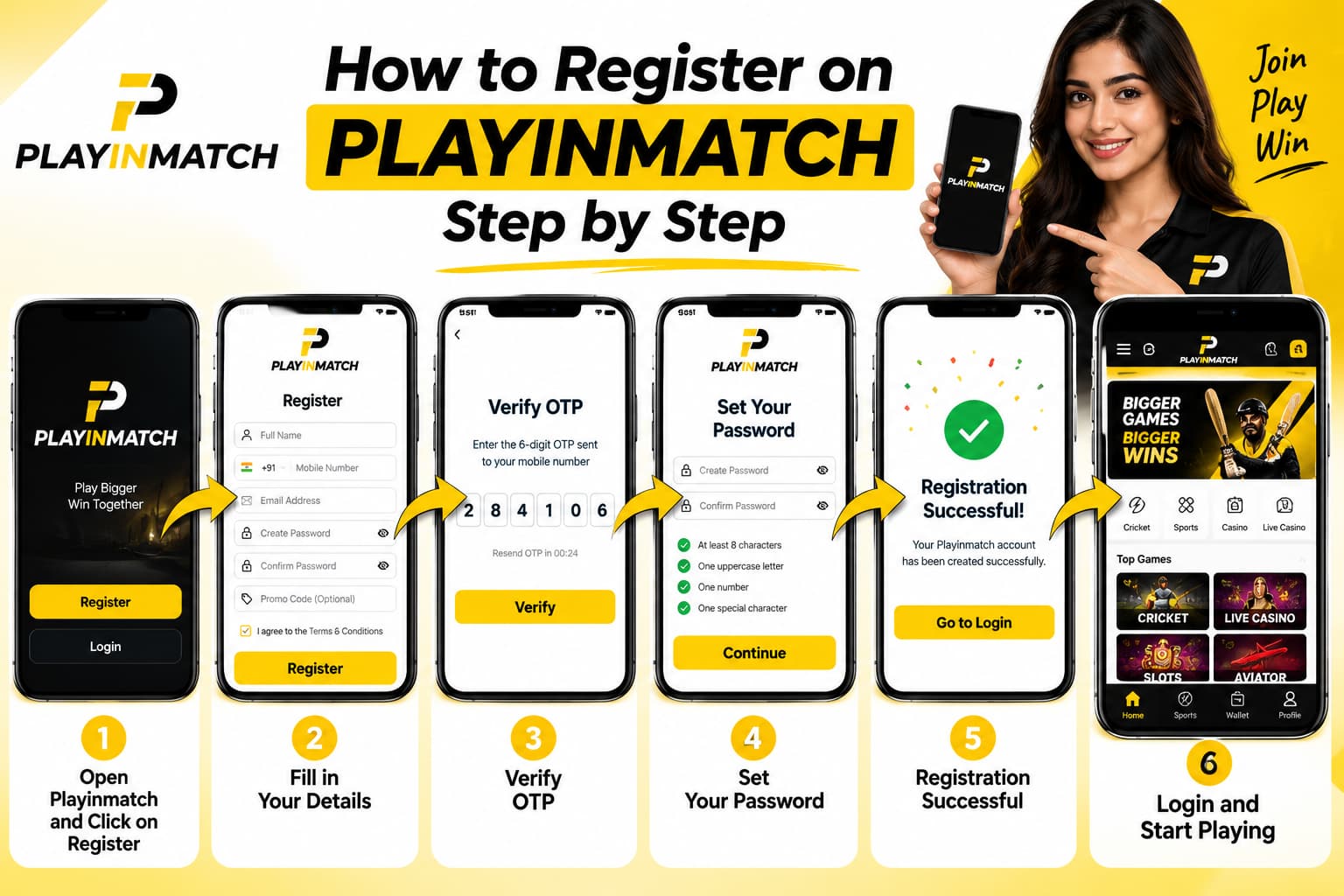
How to Register on Playinmatch in India: 2026 Guide
Creating a Playinmatch online account in India should not feel complicated. If you are looking for a simple explanation of how to register on Playinmatch in India, this 2026 guide walks us through the process step by step. Before starting, we should understand what information may be required, how account verification works, and what we…